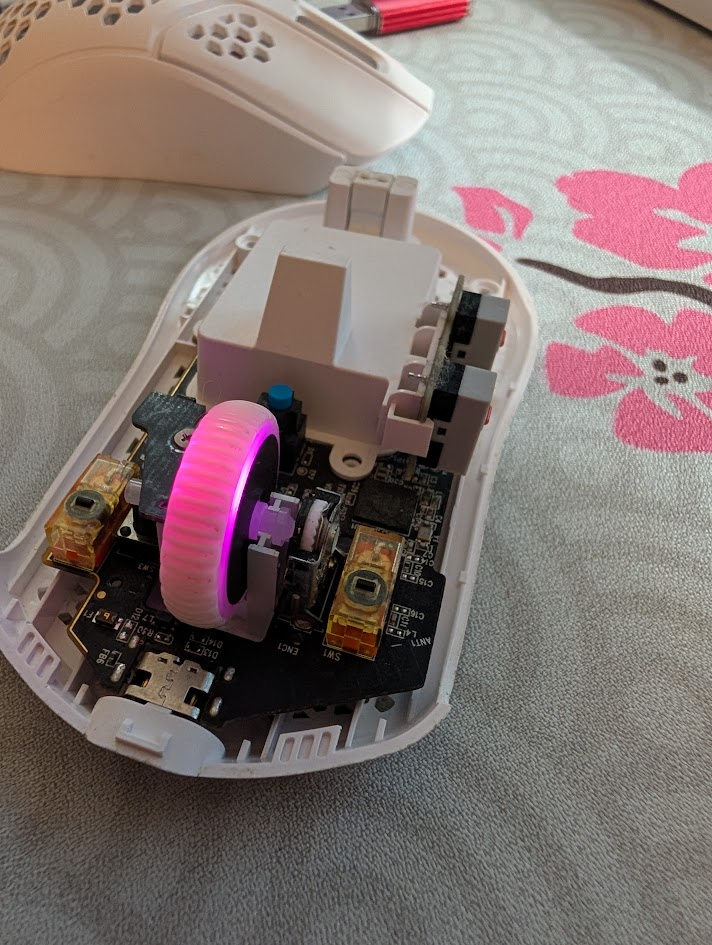
I purchased this lightweight HyperX mouse several years ago, and it’s worked well enough for gaming, but the middle mouse button stopped working recently. I use the middle mouse button heavily in Fusion & other CAD programs, which likely explains why it failed. While I’ve already bought a replacement, I wanted to see if I could repair it.
Diagnosis
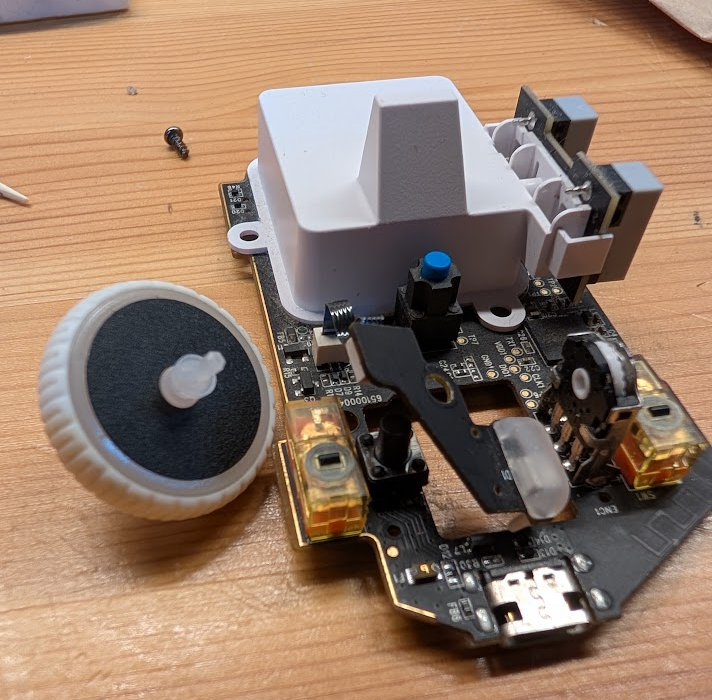
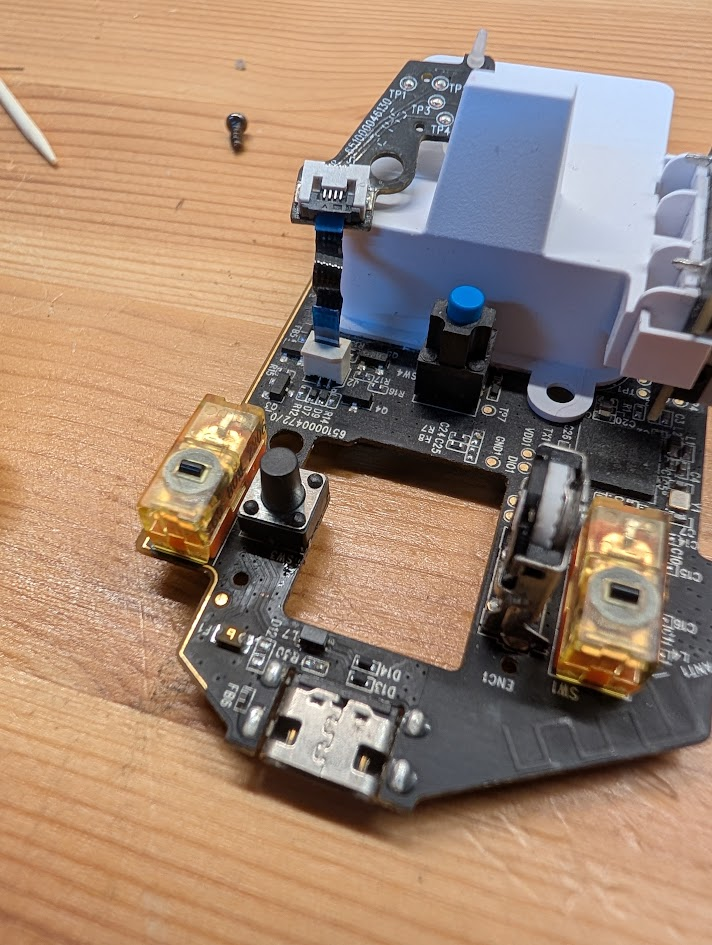
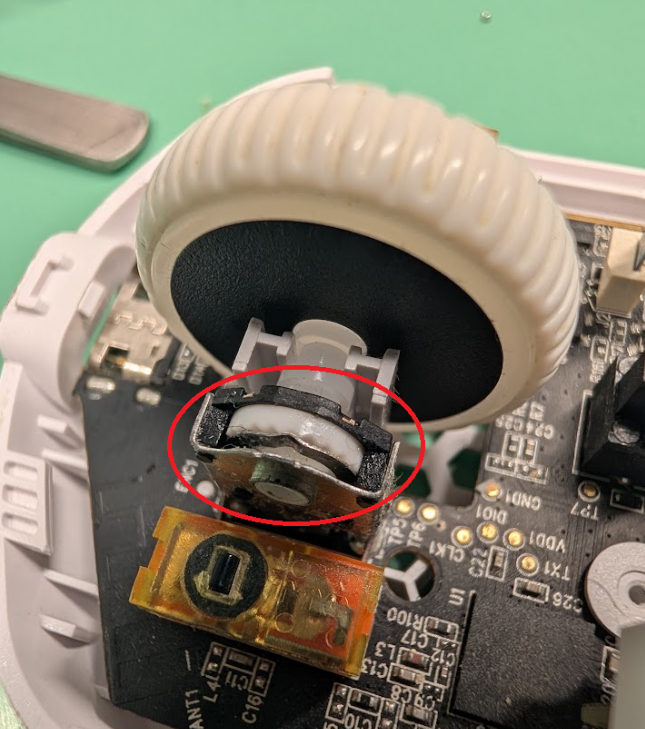
I started my investigation by opening the mouse & cleaning it out. I then tested to see if that fixed the issue. After taking the wheel assembly apart, I found the switch responsible for middle mouse input. I used the multimeter to continuity test the switch, where I discovered that it no longer worked. After checking that the rest of the middle mouse circuit worked, I started looking into a replacement switch.
Repair
The switch was a standard 6×6 mm switch, but was unusually tall. I bought a pack of variable height 6×6 switches, and settled on the 6x6x8 switch. I desoldered the old switch and replaced it with the new.
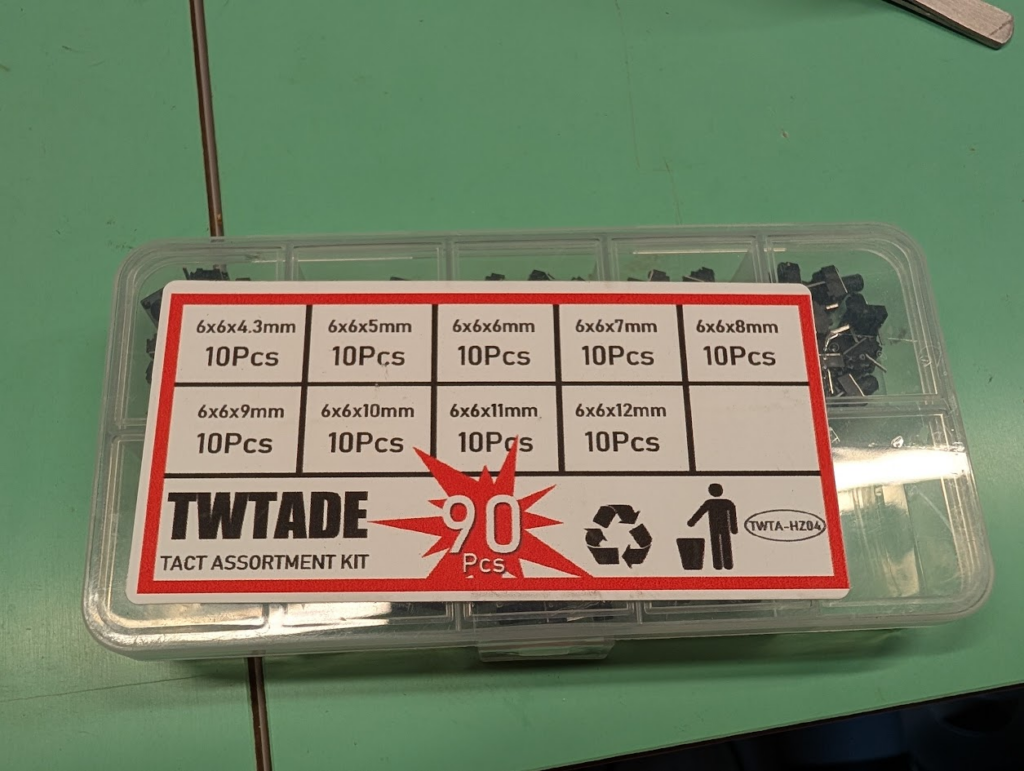
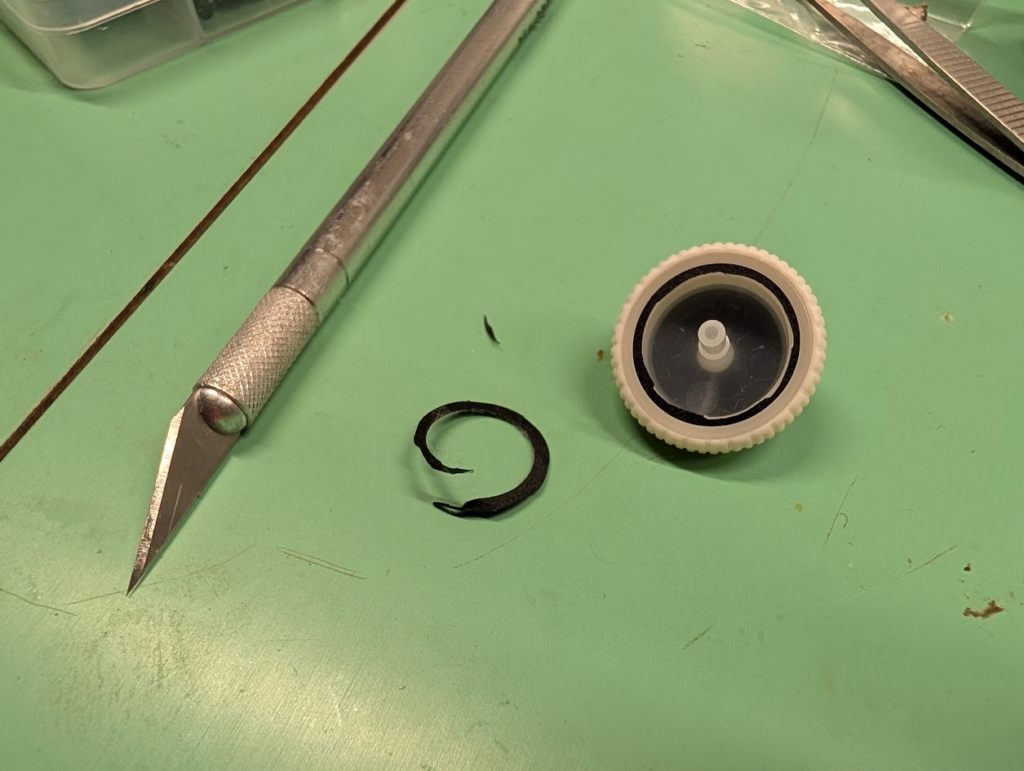
After this, I tested the mouse & was satisfied with the results, but had one issue. The lighting module didn’t fit correctly inside the scroll wheel, as the new switch was slightly shorter than the old. I ended up modifying the scroll wheel with an X-Acto knife, by shaving off the offending cover part.
I also took this opportunity to modify the scroll wheel module. I sanded down the tactile ridges on the wheel selector, in order to make the scroll wheel spin more easily and reduce feedback.
Results
Overall, this was a relatively cheap way to keep a mouse working. The mouse works after assembly, but is showing signs of age. Some napkin math suggests that I’m at over 3 million clicks on this mouse! Aside from the middle mouse, the power switch doesn’t quite work right, and the mouse fails to detect scrolling occasionally. Due to these factors, I decided to get a new mouse that might be slightly more durable in the long run.